1 / 33
↑ ↓ or scroll to navigate
Home Schedule ENGS 15.15 · Dartmouth DIAD · Schedule · Reflections
Design
Survivor
Cultivating Creative Capacity Within Constraints
ENGS 15.15 Beth Altringer Eagle
Home Schedule 10-Week Overview
  • 01"Dear Data, Design Vision"Individual
  • 02"An Iconic Opening"Dyads
  • 03"The Heirloom"Dyads
  • 04"Everything Is a World"Dyads
  • 05"Invisible Senses"Dyads
  • 06"Curating & Taste"Individual
  • 07"Get Out of Your Head"Dyads
  • 08"The Ugly Baby"Dyads
  • 09"Less But Better"Dyads
  • 10"Who Are You Now?"Individual
10
Weeks
Home ScheduleWeek 1 · Monday
What This Course Is (And Isn't)
  • You will design 7+ complete projects in 10 weeks
  • Every project is a portfolio entry
  • You will work with many different partners
  • There are no losers. There is only feedback.
Not a lecture — you make things Not a skills course — tools as needed Not a place to hide — you present every Monday Not graded on talent — engagement + completion
Home ScheduleWeek 1 · Monday
The Weekly Rhythm

Monday

Presentations of last week's work → new challenge launch → studio time

Monday X-Hour

Optional open studio

Wednesday

Reading discussion (10 min) → studio time (80 min) → deliverables due

Repeat.
Home ScheduleWeek 1 · Monday
Originality Feasibility Embodiment Peer Favorite
The Compe­tition
OriginalityMost surprising approach
FeasibilityMost buildable
EmbodimentBest instantiation of the concept
Peer FavoriteVoted by you
The delight test: would someone spend time with this even if they didn't need to?
Home ScheduleWeek 1 · Monday
Two Things You Maintain All Term

Your Portfolio

  • Every challenge = one portfolio entry
  • Same format: hero shot, process, outcome, design decisions
  • By Week 10 you have 7+ entries ready to assemble

Your Curation Journal

Starting today: collect 1+ examples of "desirable" design each week. Whatever desirable means to you. For each: why did you pick it?

Feeds your midterm POV (Week 6) and final POV statement (Week 10). Raw material for understanding your own taste.
Home ScheduleWeek 1 · Monday
Desira­bility

A vocabulary for this course:

Meaningful — it matters to someone
Delightful — it surprises and pleases
Cool — it signals identity
Covetable — you want to own it
Sustainable — it doesn't cost the earth
Efficient — it respects your time
Legible — it helps you understand
By the end of term, you'll articulate what desirability means to you. The curation journal is where you develop that definition.
Home ScheduleWeek 1 · The 8 Substrates
8 Substrates

Design is bigger than you think.

Design happens across 8 substrates. You will touch most of them this term.

Physical
Matter
Sensory
Systems
Living
Systems
Craft &
Repair
AI &
Intelligence
Arts &
Aesthetics
Code &
Computation
Energy &
Environment
Home Schedule01 · Physical Matter & Form
Physical Matter & Form
Aeron chair evolutionAeron Chair
DVF wrap dressDVF Wrap Dress
Muji CD PlayerMuji — Naoto Fukasawa
Sitting is a design problem that evolves. A material innovation became iconic. Restraint as identity — what's not there IS the design.
Home Schedule02 · Sensory & Interactive Systems
Sensory & Inter­active
Nintendo Switch — the click,
the transition from TV to handheldNintendo Switch

The sensory experience of switching modes IS the design. A physical feeling that signals a change in context.

Home Schedule03 · Living & Regenerative Systems
Patagonia Pangaia Bolt Threads Lab-Grown
Living & Regen­erative
Patagonia
Worn WearPatagonia Worn Wear
Pangaia
seaweed fiberPangaia 365
Bolt Threads
Mylo leatherMylo Leather
Lab-grown
meat brandsLab-Grown

Design is moving from extractive to regenerative. These are the materials of the future.

Home Schedule04 · Craft, Repair & Longevity
Craft, Repair & Longevity
Kintsugi — repair as beautyKintsugi
IBUKU — bamboo architectureIBUKU Bali
Fairphone — modularFairphone
Tsugite — no glue, no nailsTsugite Joinery
Repair is understanding. Longevity is a design decision.
Home Schedule05 · AI & Machine Intelligence
AI & Machine Intelligence
Spotify WrappedSpotify Wrapped
Claude — AI collaboratorClaude by Anthropic
Duolingo AI tutorDuolingo
AI is a design material, not just a tool. You'll use this in Week 7.
Home Schedule06 · Arts & Aesthetic Practice
Arts & Aesthetic Practice
Sagmeister & Walsh — personal expressionSagmeister & Walsh
James Turrell — light as mediumJames Turrell
Yayoi Kusama — infinity roomsYayoi Kusama
Marina Abramovic — body as materialMarina Abramovic
Home Schedule08 · Energy & Environmental Flows
Energy & Environ­mental Flows
Opower energy bill —
your usage vs. your neighbors'Opower

Cialdini's insight: social norms change behavior more effectively than information.

A redesigned utility bill reduced energy consumption across millions of homes. Design at systems scale.

Home ScheduleWeek 1 · Monday
All
Design

These are all design.

Physical Objects Sensory Experiences Living Materials Repair AI Art Code Energy

This course will take you across all of them. You will discover which substrates call to you.

Home ScheduleCase Study · Dear Data
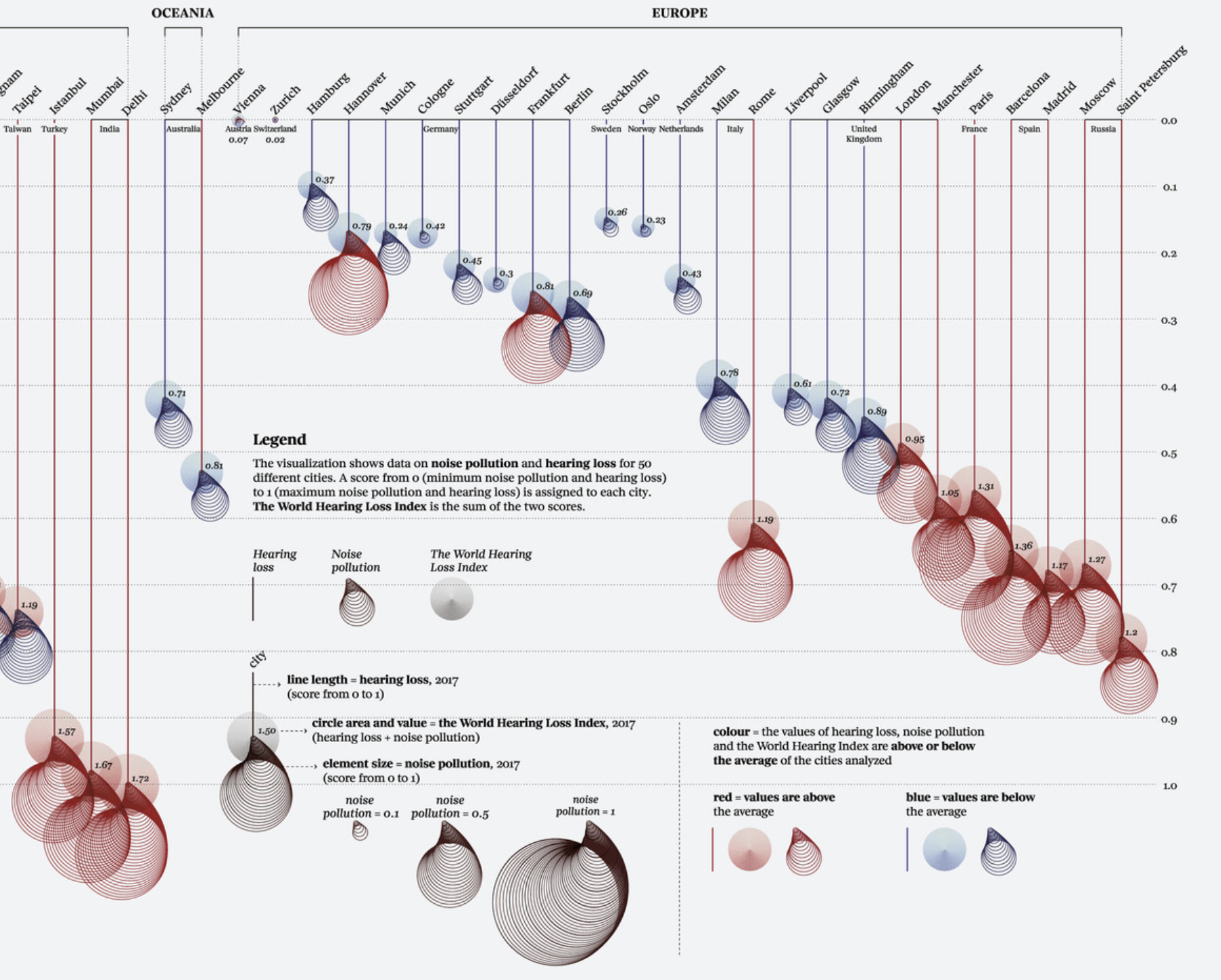
Dear Data
Giorgia Lupi & Stefanie PosavecLupi & Posavec

Two information designers. One in NYC, one in London. Never met.

For one year: each week they collected data about their lives, drew it on a postcard, mailed it to each other.

Home ScheduleCase Study · Dear Data
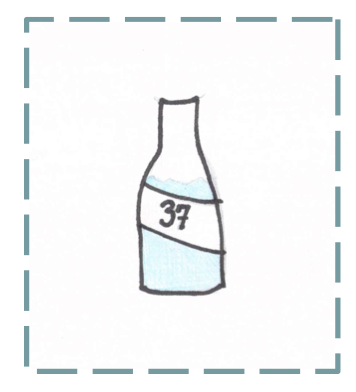
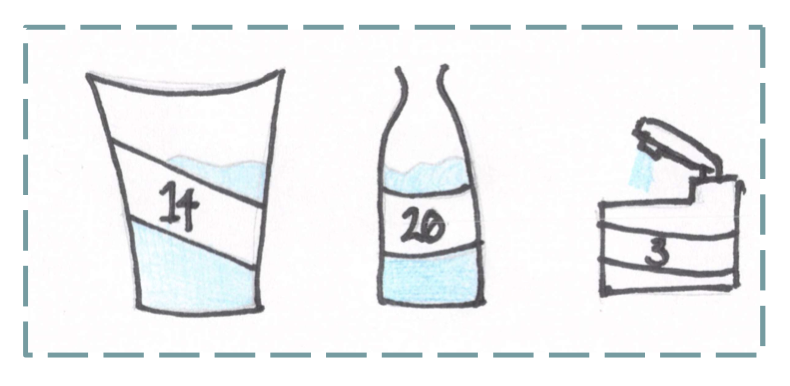
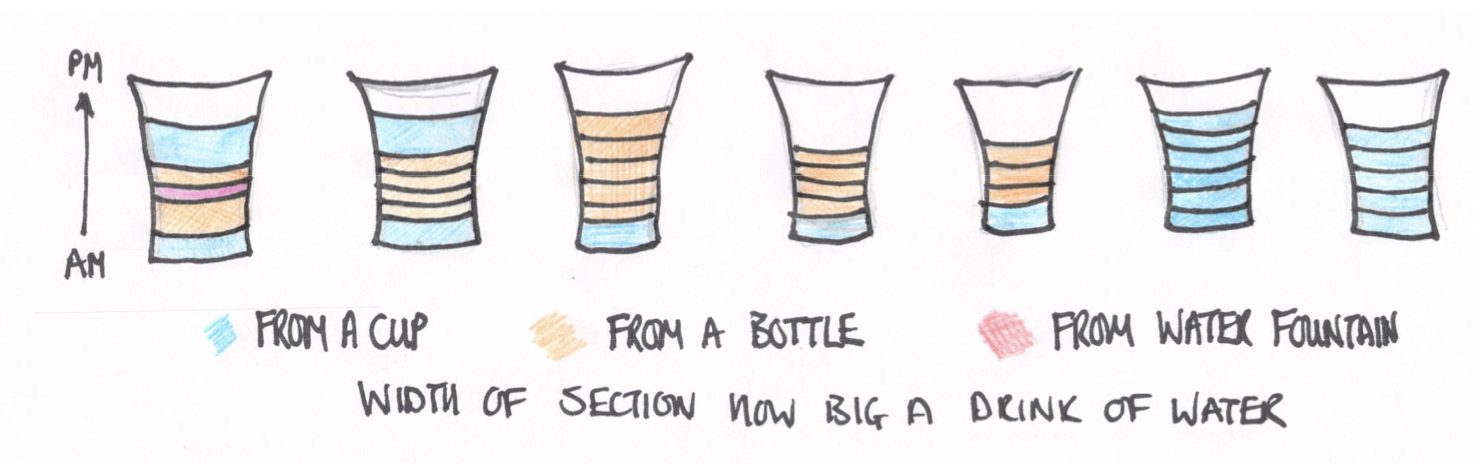
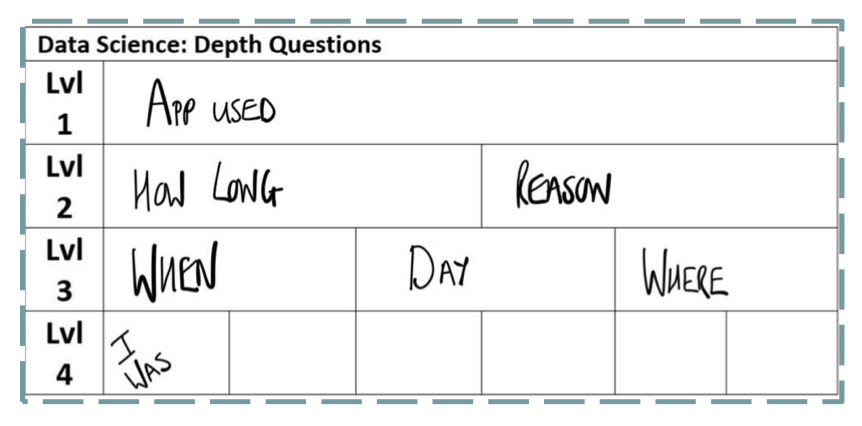
The Postcards
Postcard 1Giorgia Wk 1
Postcard 2Stefanie Wk 1
Postcard 3Stefanie Wk 49
Postcard 4Giorgia Wk 50
Postcard 5Stefanie Wk 51
Postcard 6Giorgia Wk 52
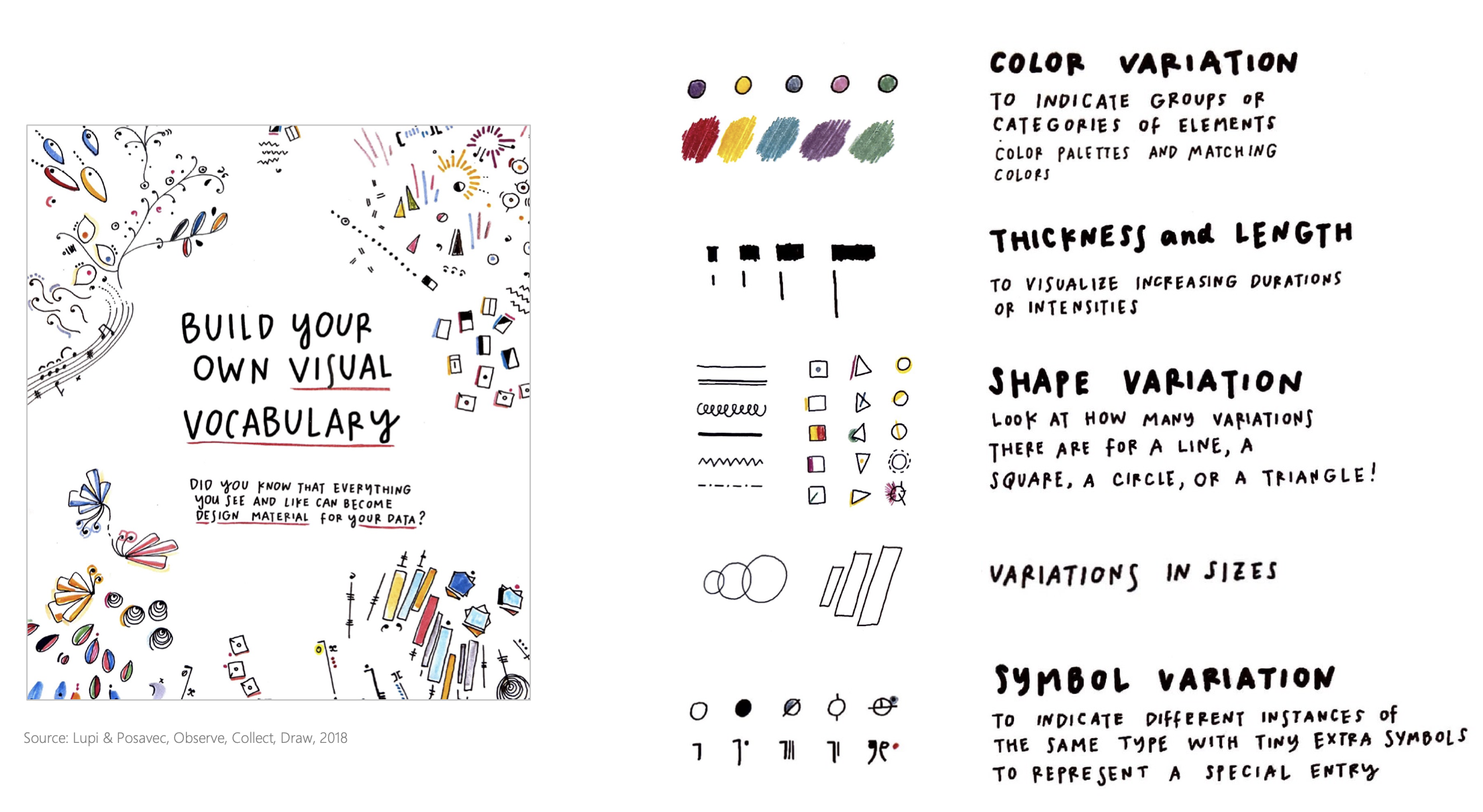
Each postcard has a legend. Hand-drawn. Personal. Pattern-revealing. The imperfection is the point.
Home ScheduleWeek 1 · Monday
Data Is Every­where
Spotify History

Data about who you are

Camera Roll

Data about what you notice

Purchase History

Data about what you value

Browsing History

Data about what you're curious about

Design informed by data is more honest than design informed by assumptions.
Home ScheduleReading · Amabile (1983)
Three Trainable Components

Domain Skills

What you know

Creative Processes

How you think — flexibility, risk-taking, tolerance for ambiguity

Task Motivation

Genuine engagement, not compliance

Home ScheduleReading · Tufte

"Above all else, show the data."

Remove everything that doesn't help comprehension. Restraint is a design skill. What you leave out is as important as what you include.

— Edward Tufte

Home ScheduleWeek 1 · Exercise
First Instinct Design
Individual 10 Minutes

Design something for yourself — a song, a product, an experience — based purely on what you think you know about your own taste.

  • No data. No research. Just instinct.
  • What would you design if you had to guess who you are?
  • Sketch it, describe it, name it — whatever works
  • Keep this. You'll compare it to your data-informed version later.
Home ScheduleWeek 1 · Monday
The Point

You just designed from instinct about yourself. You probably reached for the obvious — your favorite genre, your go-to color, your usual style.

The actual challenge asks you to look at data about yourself — and discover what instinct missed.

Instinct is a starting point, not a destination. Data reveals.
Home ScheduleChallenge 1
"Dear Data, Design Vision"
1
Analyze your own data — Spotify, camera roll, browsing history, purchase habits. What does data say about who you actually are?
2
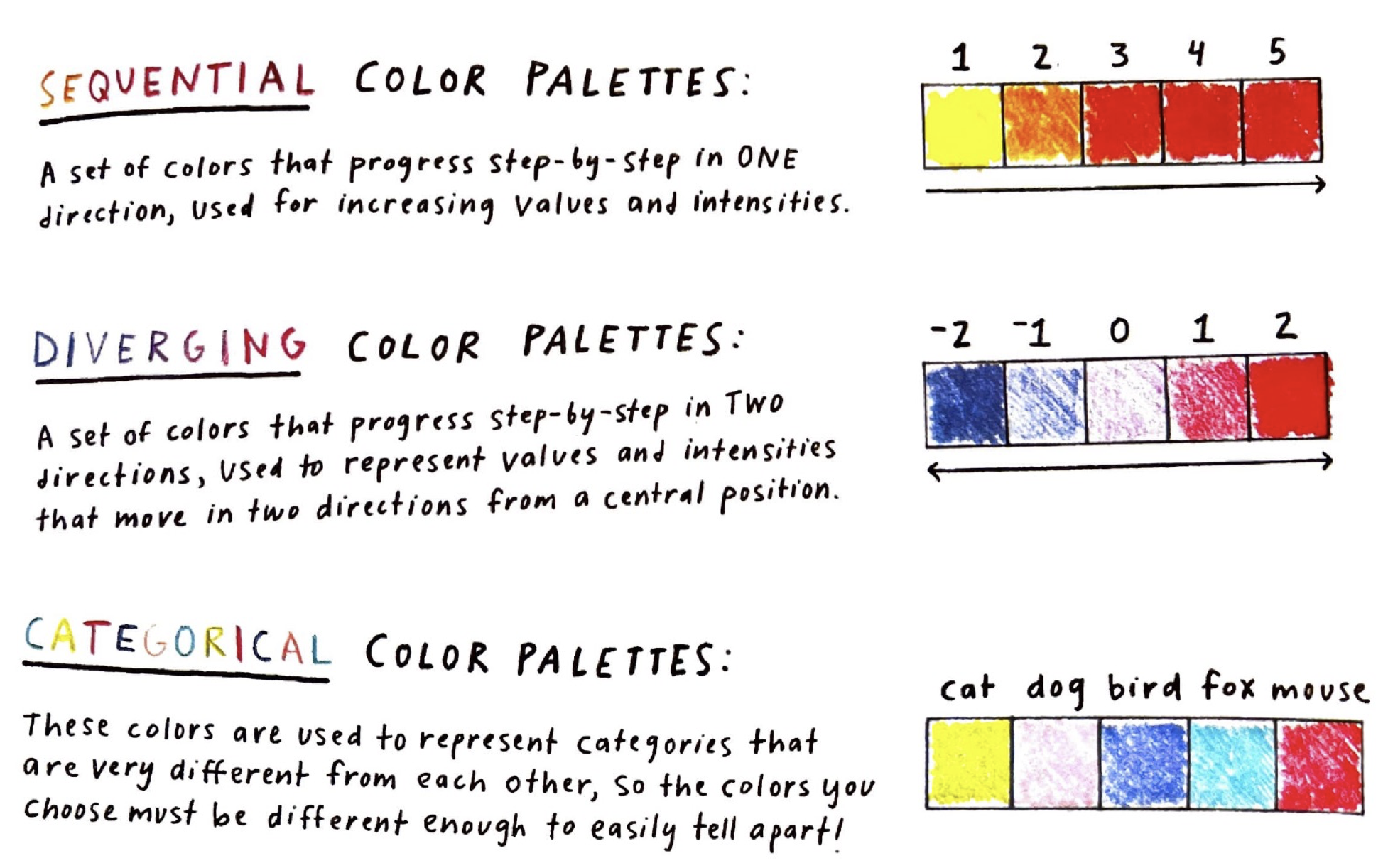
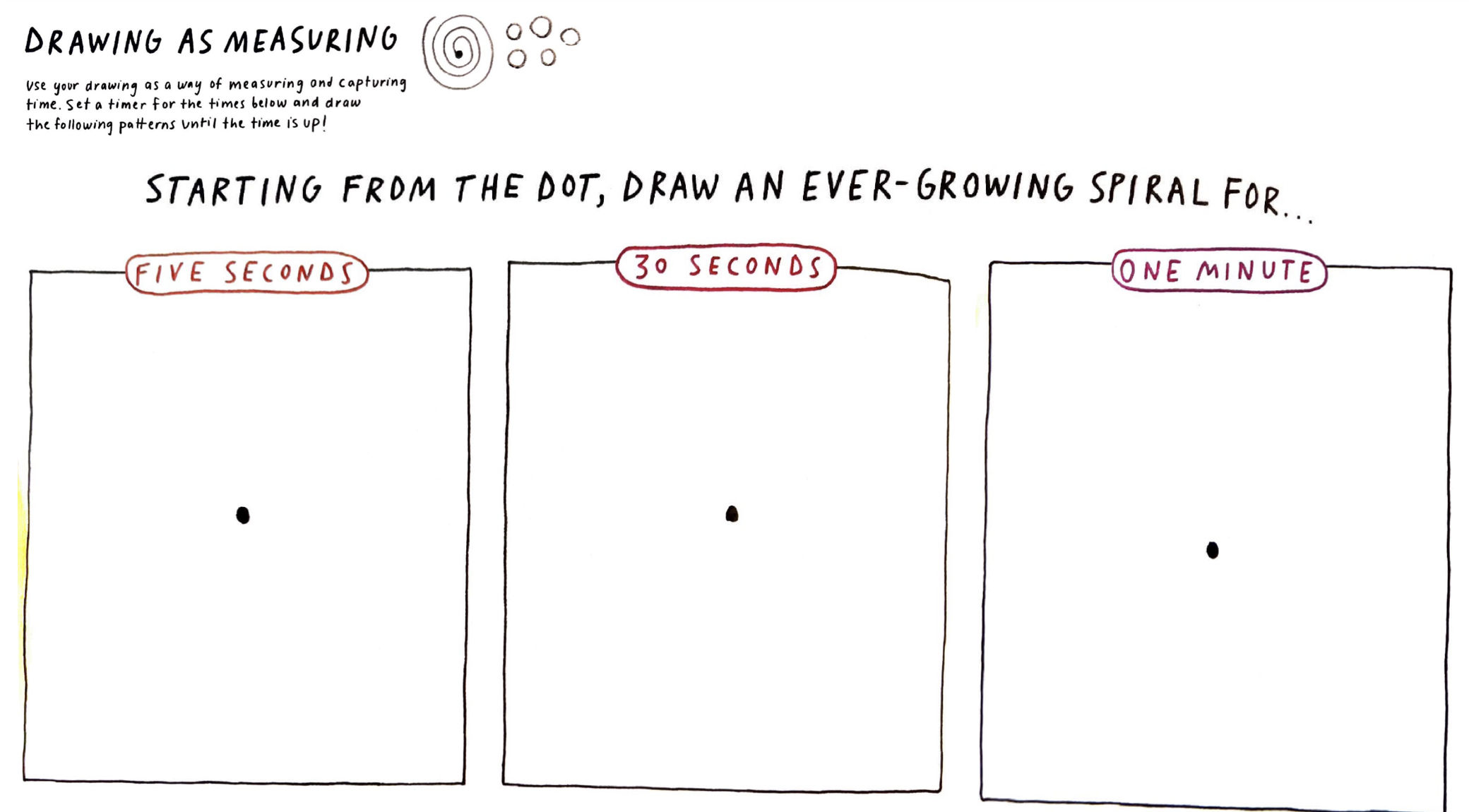
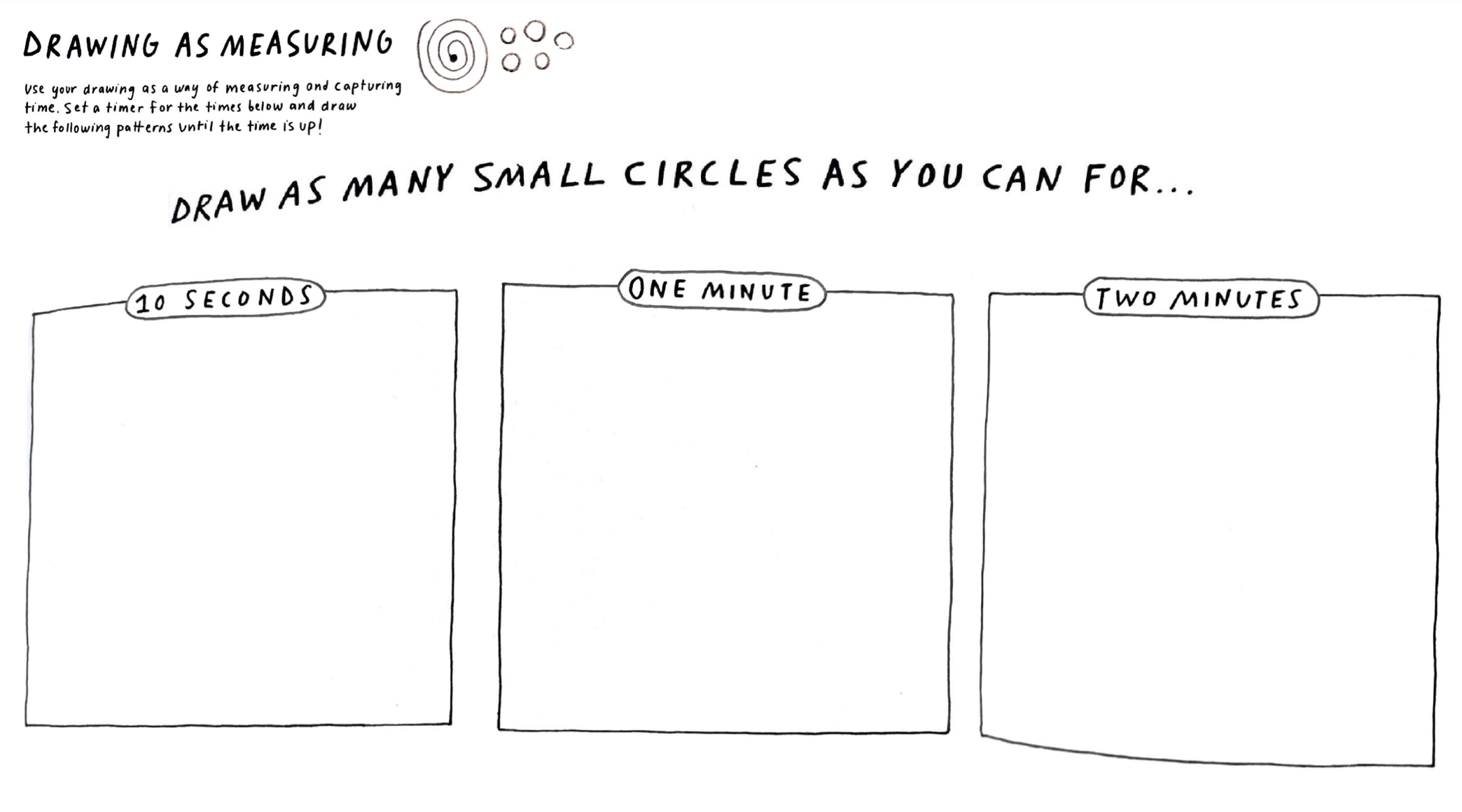
Draw a Dear Data postcard capturing what you discovered about yourself. Hand-drawn. Include a legend.
3
Redesign for yourself — the same thing you designed in First Instinct, but now informed by data. Place V1 and V2 side by side.

If your first instinct was abstract (a mood, a vibe), make it concrete for V2. The data should push you toward specificity.

This is a self-knowledge challenge. The data should reveal something your instinct missed.
Home ScheduleChallenge 1 · Deliverables
Deliverables & Quality Prompts
Hand-Drawn Dear Data PostcardPhysical, postcard-sized. What did data reveal about you? Must include a legend/key.
V1 → V2 Side by SideYour First Instinct design next to your data-informed redesign. Same format, new knowledge.

Both documented in your portfolio entry.

Show it in your design

  • Did data reveal something you didn't already know?
  • Does your postcard preserve the human quality of the data?
  • Can someone feel something reading your visualization?
  • Does every element carry information, or is some decoration?
Home ScheduleChallenge 1 · Milestones
  • Before Wednesday
    Read your assigned reading. Analyze your data. Share findings with a classmate. Begin postcard.
  • X-hour Today
    Room is open with drawing materials. Partners can meet.
  • Wednesday
    10-min reading discussion, then 80 min studio. Deliverables due end of Wednesday.
  • Monday Week 2
    Gallery walk of postcards and product visions. First voting in all four categories.
Mile­stones
Home ScheduleWeek 1 · Readings
Your Assigned Readings
AmabileAmabile (1983)
Dear DataLupi & Posavec — Dear Data
TufteTufte — Visual Display

[ Groups will be assigned in class. Each student reads one. ]

Home ScheduleWeek 1 · Wednesday
Studio Time
80 Minutes

Make your postcard. Work on your data-informed redesign. Instructor circulates.

Key questions to ask yourself:

  • "What did the data show me that surprised me?"
  • "How does that surprise connect to the product idea?"
  • "Would someone else be able to read my postcard?"
Deliverables due by end of class or evening.